Test site — made-up data only.

Run your lab, even when the internet is down.

Invoices, samples, results and reports for diagnostic labs — one branch or many.

You'll need a code — ask for a lab first.

Also for Windows

The internet drops. Your lab doesn't.

Offline

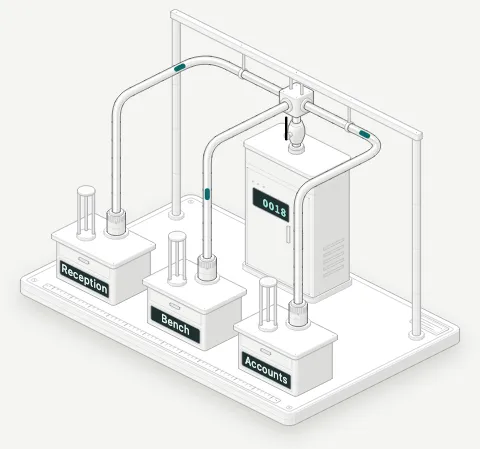
Every computer keeps its own copy of your lab.

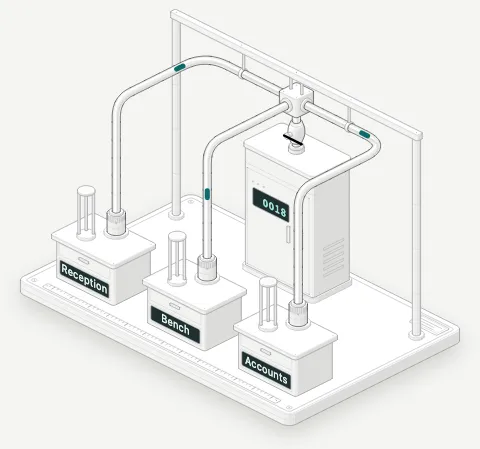
The internet drops.

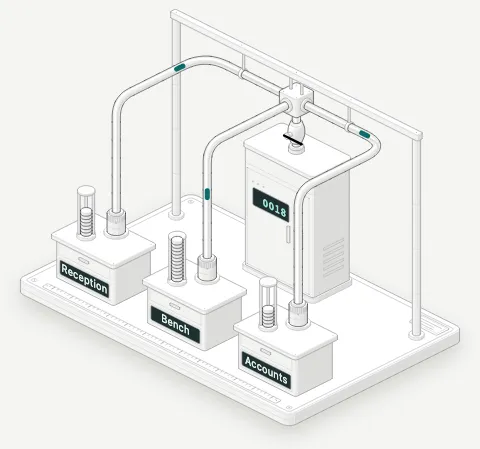
Reception, the bench and accounts keep working.

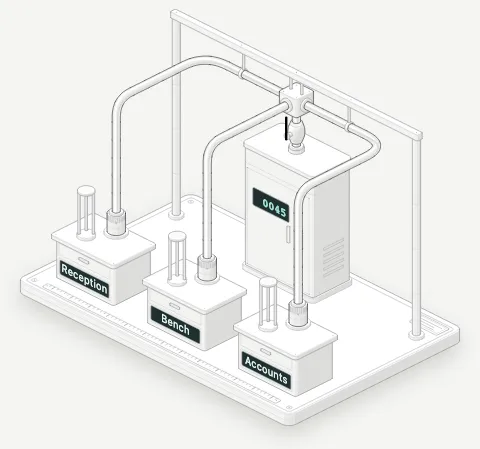
When it's back, everything syncs. Nothing is lost.

  1. Every computer keeps its own copy of your lab.
  2. Offline
    The internet drops.
  3. Offline
    Reception, the bench and accounts keep working.
  4. When it's back, everything syncs. Nothing is lost.

Each computer's copy is encrypted. Changes are checked again on the server, and anything that clashes is flagged for a person to settle, never silently overwritten.

Built inside a working lab in Kerala

A day at the lab, with Labora

Labora began as the replacement for one lab's old software, built alongside the people who use it every day. Here's their day.

07:02

The first patient

Reception registers the patient, picks their tests and takes the payment. The invoice prints straight away. Any discount over the limit waits for someone allowed to approve it.

No internet this morning? Nothing changes. Every computer keeps its own copy of the lab, and syncs when the connection is back.

08:15

Samples collected

The worklist shows who is waiting and which samples each test needs. Each sample is marked as it's collected, so the bench knows what's arrived.

09:40

Results at the bench

Enter results patient by patient, or a whole run at once. Values outside the normal range stand out, and critical ones are flagged before anything is released.

Release reports automatically, or have them checked first. That's the lab's choice.

10:00

The report reaches the patient

The report prints on the lab's own letterhead, laid out in Labora's letterhead designer. Send it on WhatsApp in two clicks: Labora opens the chat with the message written and the PDF ready to attach.

A corrected report is a new version, and the old one is kept.

14:00

The doctor's clinic pays its bill

Clients such as clinics and hospitals have their own prices and their own statements. Their balances, payments and refunds are all kept, with nothing deleted.

20:30

Closing up

Count the cash and check it against the day book. The collection statement, expenses and other income, outlab tests and vendors' tabs are all there.

With more than one branch, the owner sees each one, and the totals.

Built for how a lab really works

Works offline

Every computer has its own encrypted copy of the lab. Lose the internet and keep working; it syncs when it's back.

Everyone logs in as themselves

Each person has their own login, plus a PIN for switching quickly at a shared desk. Every change records who made it.

Roles you can adjust

Reception, technicians, doctors, accounts and admins see only their own screens. Change what each role can do.

Nothing quietly disappears

Money and results are never overwritten. A correction is a new entry, and the history stays.

One branch or many

Each branch has its own staff, tests and books. Owners switch between branches and see totals across them.

Your patients' data is yours

It's stored encrypted on your computers, and kept separate from every other lab on the server.

Up and running in a day

  1. Download Labora

    On the reception computer, Mac or Windows.

  2. Ask for a lab

    Tell us your lab's name, its branches and who will look after it.

  3. Get your code

    We set up your lab and send you an activation code and the admin's login.

  4. Start

    Type the code, log in, add your staff and tests, and register your first patient.

You'll need a code — ask for a lab first.

Made in Kerala, for labs like yours

Labora was built for a working diagnostic lab in Kerala that needed more than its old software could give: a system that keeps going when the internet doesn't, and records that never quietly change. Every screen was shaped alongside the people at its counter and bench. The person who builds Labora also sets it up and supports it, so your questions reach someone who knows every part of it.

Write to us any time at support@labora.co.in.

See it with your own lab's day.

Download Labora and ask for a lab. We'll set it up with you.

You'll need a code — ask for a lab first.